


Porn on Apple TV AirPlay, Mirroring and Privacy Tips
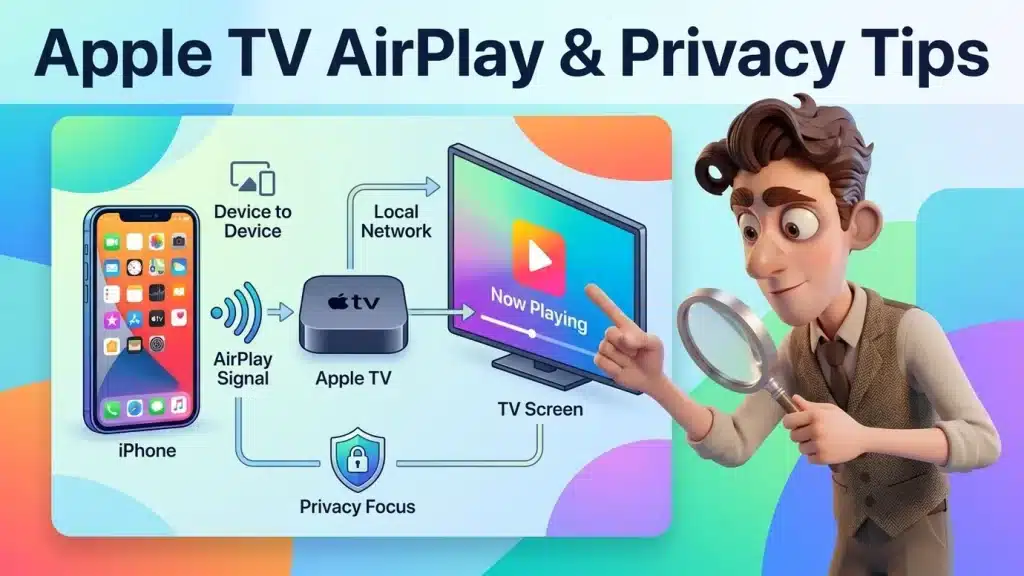
Image created using advanced AI technology, professionally refined by the PornPlanner editorial team.
Apple TV has no web browser, so the video has to come from your iPhone, iPad or Mac. Here is each way to get it onto the big screen, what to do when the AirPlay button hides, and how to leave a shared TV clean.
Can you watch porn on Apple TV without a browser?
Yes, but the video has to come from another Apple device. Apple TV has no Safari and no web browser app, so you open the site on your iPhone, iPad or Mac and send the picture to the TV.
That gives you 3 routes:
- AirPlay one video: tap the AirPlay button in the player and only the video goes to the TV.
- Screen Mirroring: the TV shows everything on your phone or Mac screen.
- A player app on the Apple TV: it plays video files you already have, from your own computer or drive.
Every step below follows Apple's own help pages at the time of writing (October 2026), and the player notes come from the code of three free tubes in the PornPlanner directory. Menu names can shift a little between tvOS versions, so your own screen has the final word.
AirPlay sends one video and leaves the rest of your phone to you. Mirroring copies the whole screen, so anything that pops up on your phone pops up on the TV too.
How do you AirPlay a video from your iPhone, step by step?

A studio front page at TV size, the picture you want filling the screen
You stream one video in 4 taps, and Apple's page lists them in this order:
- Same Wi-Fi. Put the iPhone and the Apple TV on the same network.
- Open the video. Start it in Safari on the site you picked.
- Tap the AirPlay button. It sits in the player controls; tap the video once if you don't see them.
- Pick your Apple TV. If a code appears on the TV, type it on the iPhone.
To stop, tap the AirPlay button again and choose your iPhone. On a Mac it works the same way: click the AirPlay button in the player and choose the Apple TV.
At the time of writing, the players on XVideos, xHamster and Pornhub all have AirPlay support in their code. On XVideos the player switches AirPlay off while a video ad runs, so if the button is missing, wait for the ad to end.
Before you send anything to the TV, pick the scene first with a quick way to choose a scene by mood and time.
When should you mirror the whole screen instead?

One studio page in one window, the picture you share with the TV
Mirror the screen only when the player has no AirPlay button. It always works, because the TV simply copies your screen, but your notifications come along for the ride.
- Open Control Center on the iPhone.
- Tap Screen Mirroring and pick your Apple TV.
- Enter the code if the TV shows one.
- To stop, open Control Center, tap Screen Mirroring, then Stop Mirroring.
On a Mac, open Control Center in the menu bar, click Screen Mirroring and choose the TV. Apple lets you share one window instead of the whole screen, which keeps your other tabs off the TV.
What is good to know before you start?
Four things are good to know before you start, and each one has an easy way around it:
- The browser lives on your phone. Apple TV has no Safari, so you type the site's address on your iPhone, iPad or Mac and send the video over.
- Websites, not TV apps. Apple's App Store rules keep overtly sexual or pornographic material out of apps, so the sites themselves, opened on your phone or Mac, are the way in.
- Open the video on its own site. A video embedded on another site may not offer AirPlay. In Pornhub's player code, AirPlay is switched off for embeds viewed on an iPhone or in Safari, while the video on Pornhub itself keeps the button.
- One Wi-Fi for both. If the TV doesn't show up in the list, Apple's first fix is the same Wi-Fi on both devices, then the latest software, then a restart.
Apple also notes that some video apps might not support AirPlay. When the button is missing, Screen Mirroring from section 03 is your fallback.
Can a third-party player do the job?
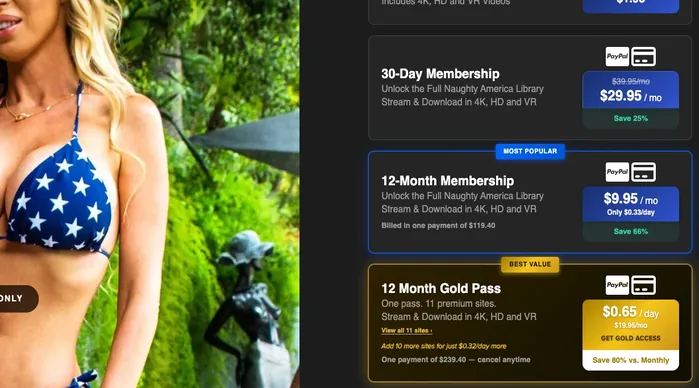
A join page that says plainly whether you can download
Yes, for video files you already have, not for websites. These players install from the App Store on the Apple TV and read files from your own computer, drive or media server.
- VLC: free, runs on Apple TV, and its App Store page lists streaming from SMB, FTP, SFTP, NFS and UPnP/DLNA media servers.
- Infuse: free with an optional Pro tier, and its page lists a Mac, PC, NAS, Plex, Emby and Jellyfin as sources.
Only play files you have the right to keep. If a site lets members download their scenes, its own page says so; the guide to finding whole scenes in HD shows where that line usually sits.
Which route does what, at a glance?
This table puts the routes side by side, from Apple's pages and the player code at the time of writing.
| Route | Works? | Steps | Traces left |
|---|---|---|---|
| Browser on Apple TV | No, there is none | None | None |
| AirPlay from iPhone | Yes, if the player has the button | Same Wi-Fi, open video, AirPlay button, pick the TV | Safari history on the iPhone, unless you use a Private tab |
| AirPlay from Mac | Yes, same rule | Same Wi-Fi, AirPlay button in the player, pick the TV | Browser history on the Mac, unless you use a private window |
| Screen Mirroring | Yes, with any player | Control Center, Screen Mirroring, pick the TV | Whatever is on screen shows, notifications included |
| VLC or Infuse | Yes, for your own files | Install on Apple TV, add your computer or server | The app and its saved sources stay on the TV |
For a TV that isn't an Apple TV, watching porn on your TV with a browser, casting or AirPlay covers Samsung, LG, Chromecast, Fire TV and Roku.
How do you keep a shared Apple TV private?
Run these 5 privacy checks before you press play. Each one is quick.
- Turn on Do Not Disturb. Open Control Center, tap Focus and pick Do Not Disturb, so no message lands on the TV while you mirror.
- Use a Private tab. In Safari, tap the More button, then New Private Tab. Apple says Safari won't remember the pages you visit, your search history or your AutoFill there.
- Set who can stream to the TV. On the Apple TV, go to Settings, AirPlay and Apple Home, Allow Access. You can limit it to the same network or to people in your Home, or require a password.
- Stop the stream when you finish. Tap the AirPlay button and choose your iPhone, or tap Stop Mirroring, so the next video doesn't land on the TV.
- Check the site's own lists. Many tubes keep a watch history or a continue-watching row in your account. Clear it or log out if others use your phone.
For the rest of the picture, what a private tab clears and who can still see a visit covers the network side.
FAQ
These are quick answers to the questions that come up once the Apple TV is involved.
Does Apple TV have a web browser?
No. There is no Safari on Apple TV, so you open the site on an iPhone, iPad or Mac and send it with AirPlay.
Why don't I see the AirPlay button?
The player may be showing an ad, the video may be embedded on another site, or the app may not support AirPlay. Screen Mirroring works in every case.
Do I need the same Wi-Fi network?
Apple's steps start with putting both devices on the same Wi-Fi, and it is the first thing to check when the TV doesn't appear.
Can someone else stream to my Apple TV?
Only if your settings allow it. Under Allow Access you can choose Everyone, Anyone on the Same Network, Only People Sharing This Home, or Require Password.
Can I download a scene and play it on Apple TV?
Yes, with a player like VLC or Infuse, if the site lets you download it. Free tubes mostly stream only, so check the site's own download rules first.
- Apple TV has no browser: the video comes from your iPhone, iPad or Mac.
- Use the AirPlay button first and mirror the screen only when it's missing.
- Turn on Do Not Disturb before you mirror.
- Set Allow Access on the TV so nobody else streams to it.
- VLC and Infuse are for your own files, not for websites.
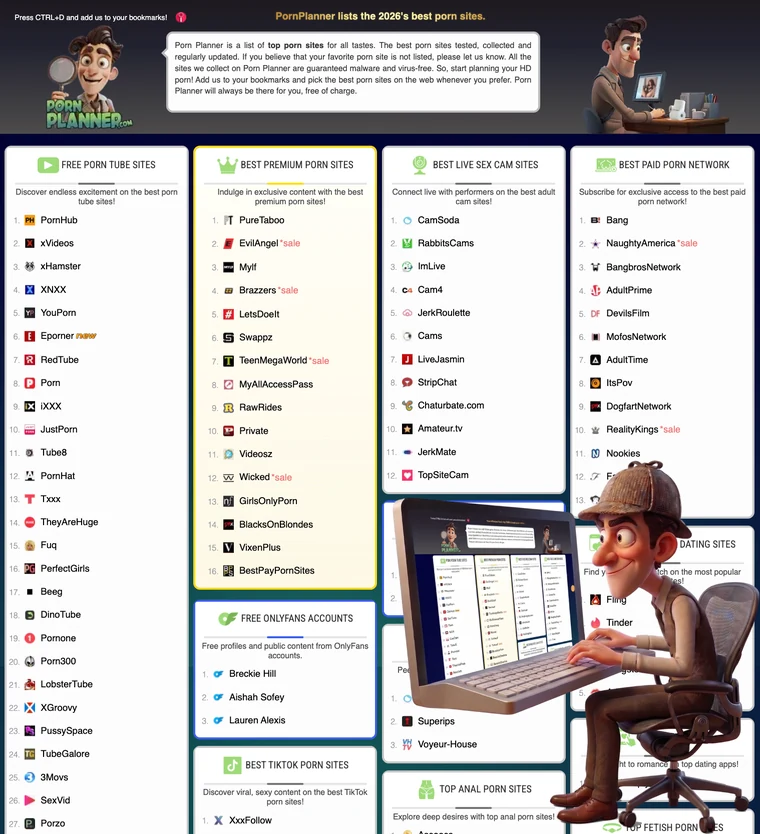
With the TV ready, pick tonight's site from the top porn sites in the PornPlanner directory, grouped by category and ready for the big screen.