


Why Can't I Watch Porn? Find the Block, Then Fix It
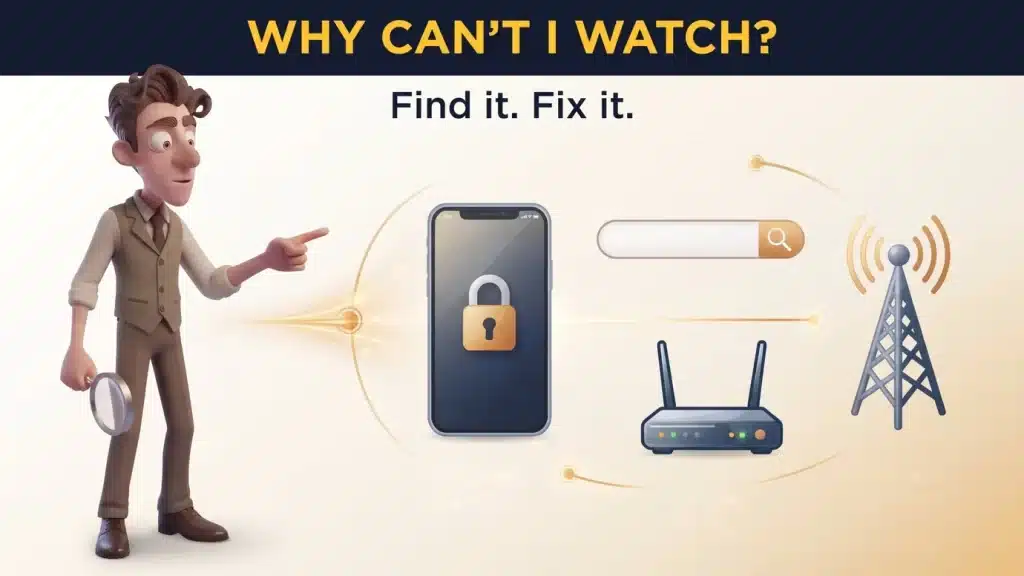
Image created using advanced AI technology, professionally refined by Private Eye Blog editorial team.
A site that won't load is a small mystery with a short list of suspects. Check SafeSearch, your phone, your network and your state in order, and the culprit shows itself.
Five reasons a site won't open
When a porn site refuses to load, the cause sits in one of five places, and each leaves its own fingerprints. Read them and you get from a blank screen to a playing scene without guessing.
- The site itself. Down for a moment, moved, or the address is mistyped.
- Search filter or browser. SafeSearch, an extension or your antivirus.
- Phone restrictions. Screen Time on iPhone, a supervised Google account on Android.
- Carrier or router. A filter on your mobile line or your Wi-Fi.
- Your state. An age-check law that some sites answer by switching access off.
Change one thing at a time: mobile data instead of Wi-Fi, a second device, a second site. Every swap rules out a suspect.
Start with the cheapest test: open two or three other sites from the PornPlanner directory on the same device. If only one stays blank, that site is the problem, and coming back later or picking another is the whole fix. If every adult site fails, move on to Check 1.
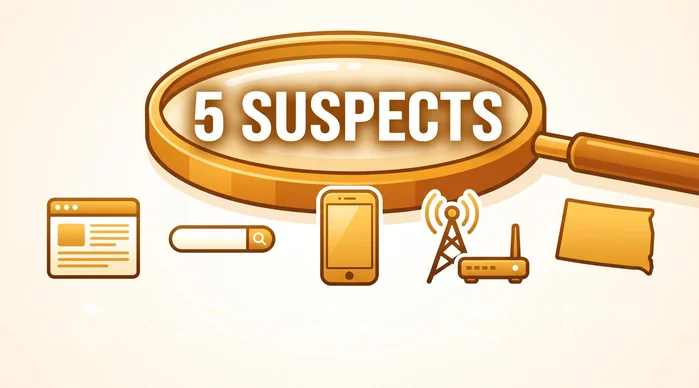
Five places a block can hide
Check 1: SafeSearch and browser
SafeSearch shapes what Google shows in its results. It does not stop a site you type straight into the address bar, so if Google comes up empty but the typed address opens, SafeSearch is your suspect.
| SafeSearch setting | What you'll notice | When it applies |
|---|---|---|
| Filter | Explicit results don't appear at all | Default when Google's systems indicate you may be under 18 |
| Blur | Explicit images are blurred, while text and links can still show | The default for everyone else |
| Off | All results, explicit ones included | Your choice, if nobody else manages it |
How do you change it?
Open google.com/safesearch and pick Blur or Off. Stay signed in so the choice sticks: Google says deleting cookies while signed out can reset it. A lock at the top right means someone else controls the setting, such as a Family Link parent, a school account, public Wi-Fi or an antivirus program, and the page tells you who.
What about the browser?
Google also names browser settings and extensions as reasons SafeSearch stays stuck. Quick test: open the site in a private window, where Chrome keeps extensions off unless you allowed them. If it loads, an add-on is the blocker. It helps to know what a private window clears and what it leaves behind before you lean on it.
An ad blocker set too tight can also leave the player black while the page loads. Whitelisting the site, or a setup built to stop pop-ups without breaking the video player, brings the scene back.
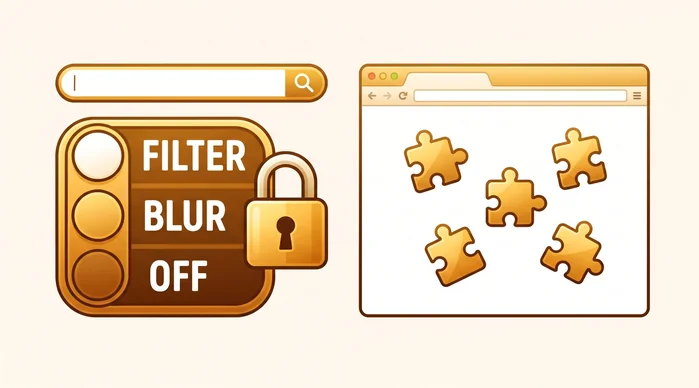
Search filter first, extensions second
Check 2: phone restrictions
If adult sites fail on one phone but open on another on the same Wi-Fi, the rules live inside that device.
iPhone and iPad. Screen Time has a Web Content setting, and Apple's parental controls page says Limit Adult Websites is on by default for children under 18. On your own phone with your own adult account, open Settings, then Screen Time, then Content & Privacy Restrictions, and set Web Content to Unrestricted (on recent iOS versions it sits inside App Store, Media, Web & Games). If it asks for a Screen Time passcode you never set, the limits belong to whoever set it, usually the Family Sharing organizer.
What should you look for on Android?
Two places. First, whether the Google account is supervised through Family Link, which gives the parent the search and browsing controls. Second, Settings, Network and internet, Private DNS: if a filter hostname such as CleanBrowsing's family filter is typed there, every adult site fails before it starts. On your own phone, setting Private DNS back to Automatic restores normal browsing.
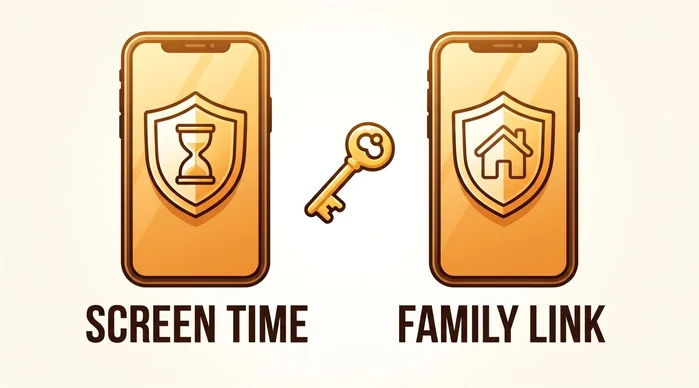
The rules can live inside the phone
Check 3: carrier and router
Here the swap test does the heavy lifting. Blocked on mobile data but fine on Wi-Fi points to the carrier. Blocked on home Wi-Fi for every device but fine on mobile data points to the router.
| Filter | Where it works | Who can switch it |
|---|---|---|
| T-Mobile Web Guard | Only on T-Mobile's cellular network, not over Wi-Fi | The Primary Account Holder or a user with Full Permission |
| AT&T Secure Family | On a child device paired through the Companion app, which uses a VPN | The parent admin |
| Verizon Family | On a paired child device with content filters set | An Account Owner or Manager in the Verizon Family app |
| Family DNS on the router | Every device on that Wi-Fi | Whoever runs the router |
How do you clear a carrier filter?
On T-Mobile, the account holder opens the T Life app, then Account, the line, All Account Settings, Family controls and Web Guard, picks No Filtering and saves. AT&T starts with no filter level set, so a block there means the phone was paired on purpose, and a Secure Family Companion app or VPN profile on it is the giveaway. Verizon's filters also sit on paired child devices.
How do you spot a family DNS on the router?
Log in to your router and look at its DNS servers. OpenDNS FamilyShield uses 208.67.222.123 and 208.67.220.123; CleanBrowsing's family filter uses 185.228.168.168 and 185.228.169.168, and its adult filter starts at 185.228.168.10. CleanBrowsing notes that with its family filter, adult sites fail with the error DNS_PROBE_FINISHED_NXDOMAIN. If the router is yours, set its DNS back to your provider's automatic setting. On a network someone else runs, from a roommate's router to a hotel or office, the filter is theirs to keep.
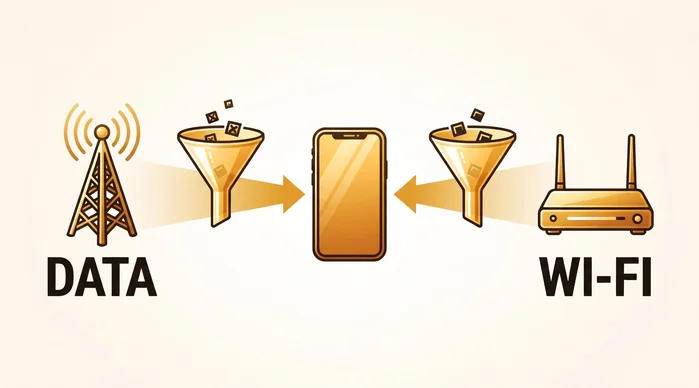
Swap networks to catch the filter
Check 4: your state
When the page names your state or asks you to prove your age, that is a state age-verification law at work, and the duty it creates falls on the site.
On June 27, 2025, the Supreme Court upheld Texas's age-check law, HB 1181, in Free Speech Coalition v. Paxton, by a 6–3 vote. Sites covered by similar laws in other states either run an age check or turn off access for visitors from that state.
What are your options?
If the site offers a check, read its method screen and choose the option you are comfortable with. If it has switched your state off, pick a site that serves your state from the PornPlanner directory. Rules change state by state and date by date, so keep a current state-by-state list of age-check rules bookmarked and look up your state before you plan a night.
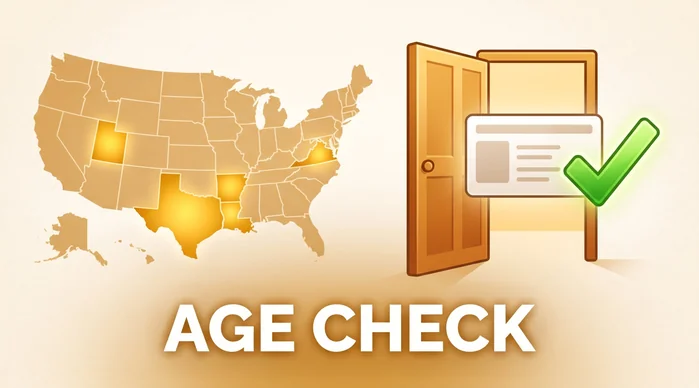
Some blocks come from the law, not your settings
The fix chart: symptom, cause, fix
Match what you see to a row; the last column is your move.
| Symptom | Cause | Fix |
|---|---|---|
| One site fails, others open | That site is down, moved or mistyped | Check the address, try later or pick another site |
| Google shows nothing explicit | SafeSearch on Filter | Set Blur or Off at google.com/safesearch and stay signed in |
| SafeSearch shows a lock | A parent, school, network or antivirus manages it | Change it where it is managed, or ask whoever runs it |
| Site opens only in a private window | An extension or ad blocker | Pause add-ons one by one or whitelist the site |
| Safari shows a restricted notice | Screen Time is limiting web content | Your phone: set Unrestricted. Managed phone: the organizer decides |
| Blocked on data, fine on Wi-Fi | Carrier filter on the line | The account holder turns the filter off |
| Blocked on Wi-Fi for every device | Family DNS on the router | Your router: restore automatic DNS. Not yours: the owner's call |
| Page names your state or asks for age | State age-verification law | Complete the site's check or choose a site that serves your state |
In what order should you run the checks?
Cheapest first: a second site, SafeSearch and a private window, the phone settings, the network swap, then your state. Most mysteries close by the third step.
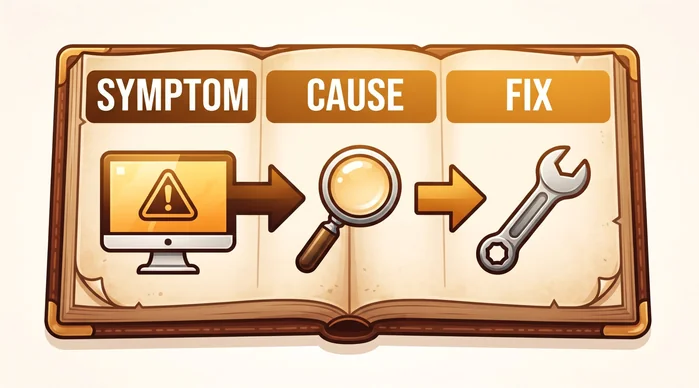
Match the symptom, apply the fix
Frequently Asked Questions
Why does porn work on Wi-Fi but not on my phone's data?
It points to a filter on your mobile line. T-Mobile's Web Guard, for example, only works on its cellular network. The account holder can change it in the carrier's app.
Does turning off SafeSearch unblock porn sites?
It changes Google's results only. If a typed address still fails, the block sits elsewhere: the browser, the phone, the network or your state.
Can I change a filter on a phone or network someone else manages?
The person who set it makes that call: the Screen Time passcode holder, the Family Link parent, the carrier account holder or the router owner. This guide covers your own device, account and network.
How do I know if my router uses a family DNS filter?
Check the DNS servers in its settings. 208.67.222.123 (OpenDNS FamilyShield) or 185.228.168.168 (CleanBrowsing) means a family filter covers the whole Wi-Fi.
Why does a site ask me to verify my age?
Your state has an age-verification law and the site is complying. Your part is picking a method you are comfortable with, or a site that serves your state.
Key Takeaways
A blank screen is a clue, not a dead end. Read the pattern and the fix follows.
- Swap one thing at a time. Each swap clears a suspect.
- SafeSearch only shapes Google results. A lock means someone else manages it.
- Phones carry their own rules. Screen Time and Family Link decide on the device.
- Data versus Wi-Fi splits carrier from router. Family DNS addresses confirm the router.
- A state message means a law. Finish the site's check or pick a site that serves your state.
With the screen playing again, you can plan the rest of the night in ten minutes instead of hopping between tabs.
Case closed: with the block found and fixed, the only question left is where to start, and the hand-picked top porn sites sorted by category are a good first stop.