


How to Cancel an OnlyFans Subscription and Stop the Auto-Renew
Image created using advanced AI technology, professionally refined by Private Eye Blog editorial team.
Every paid OnlyFans subscription renews on its own until you switch it off. Here is where the switch lives, how to reach it from a computer or a phone, what happens to charges already made and a cleanup plan for every page you follow.
What is the difference between canceling and turning off auto-renew?
On OnlyFans they lead to the same result: the next renewal does not happen, and the period you already paid for stays open. The OnlyFans help center says that after you unsubscribe you are still billed for the full current period and you keep access to the creator's profile until that period ends.
Auto-renew is the switch that charges your card again when a paid subscription period ends. The help center places it on the creator's account, so each creator you pay has a switch of its own.
The help center lists 4 situations in which a subscription does not renew by itself. Knowing them tells you when you need to act and when OnlyFans already stops the charge for you.
| Situation | What happens | Your move |
|---|---|---|
| Auto-renew switched off | The current period runs to its end, then stops | This is the move this guide shows you |
| Free trial | The trial ends without a new charge | Subscribe at the full price only if you want more |
| Payment declined | The renewal stops because the card was refused | Update your card if you want to stay |
| Price increased | The subscription stops renewing at the old terms | Subscribe again at the new price if you still enjoy the page |
Free pages, trials and discounts each follow their own rules, and the guide to how free pages, trials and discounted offers work shows which ones cost money later.
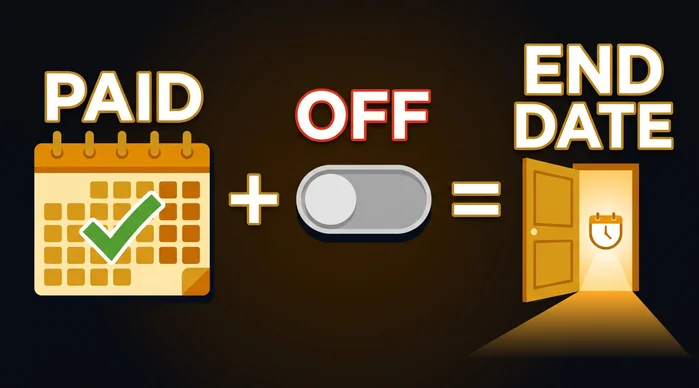
Switch off now, keep the month you paid
How do you turn off auto-renew on the website?
You do it from your Following page, which the help center describes as the place to see all of your active and inactive subscriptions. The whole job takes a few clicks per creator.
| Step | What to do | What you see |
|---|---|---|
| 1. Sign in | Open onlyfans.com in any browser and log in | Your home feed |
| 2. Open Following | Go to your Following page | Every subscription, active and inactive |
| 3. Pick the creator | Choose the page you want to stop paying for | That creator's subscription |
| 4. Switch off auto-renew | Click to unsubscribe, which turns off auto-renewal for that creator | Access that runs until the current period ends |
Do you have to repeat it for every creator?
Yes. The switch sits on each creator's account, so one click covers one page. If you follow five paid creators and want to stop all of them, plan for five quick rounds; section 06 turns that into a single sitting.
When is the best moment to do it?
Any time before the renewal date. Since the help center bills the full current period either way, switching off early costs you nothing: you still enjoy every day you already paid for.
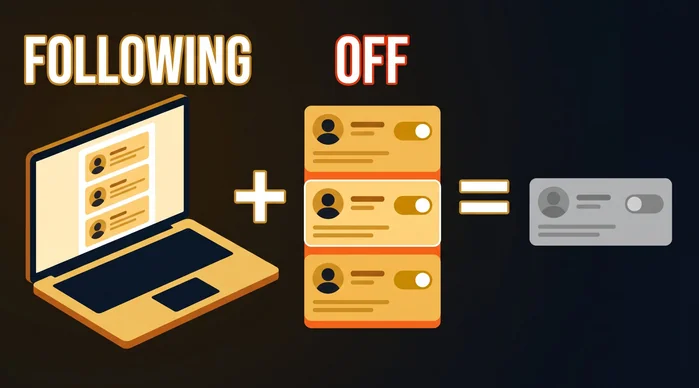
One list, one switch per creator
Is there an OnlyFans app, and how do you cancel from a phone?
The help center answers this one directly: OnlyFans does not have an app. On a phone you use the website, and the help center suggests adding OnlyFans.com to your home screen, which creates a tile that opens the site like an app.
That tile is also the quickest way to reach your Following page from the couch. Here is how to place it with the browser your phone already has.
| Phone | Browser | How to add the tile |
|---|---|---|
| iPhone | Safari | Open onlyfans.com, tap Share, choose Add to Home Screen, then tap Add |
| Android | Chrome | Open onlyfans.com, tap the three-dot menu, choose Add to Home screen, then tap Add |
Are the cancel steps different on a phone?
No. Tap the tile, sign in, open your Following page and switch off auto-renew for each creator, exactly as on a computer. The tile simply saves you from typing the address each time.
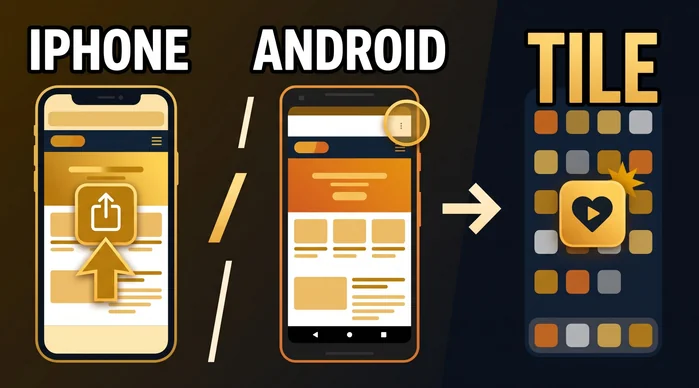
A tile that works like an app
What happens to refunds and charges already made?
Payments already made are final, and the next renewal is the one you control. In the help center's words, every purchase on the platform is final, from subscriptions and tips to streams, paid posts and paid messages, and the one exception is a breach of the OnlyFans Terms of Service, which you report to [email protected].
| Charge | After you switch off auto-renew | Your move |
|---|---|---|
| Current period | Already paid, with access to the profile until it ends | Enjoy the page until the last day |
| Next renewal | Stopped for that creator | Switch off before the renewal date |
| Tips, streams, paid posts and messages | Each one is a separate, final purchase | Decide before you tap the price |
| A charge you think breaks the Terms | Can be raised with OnlyFans support | Email [email protected] with the date and the creator |
How will a renewal look on your statement?
The help center lists the statement name as "OnlyFans", "OF" or "OnlyFans.com", and prices are charged in US dollars. Checking your statement a day after the old renewal date confirms that nothing new arrived.
If you want the next subscription to stay off shared accounts too, see which name each way of paying leaves on your bank statement.
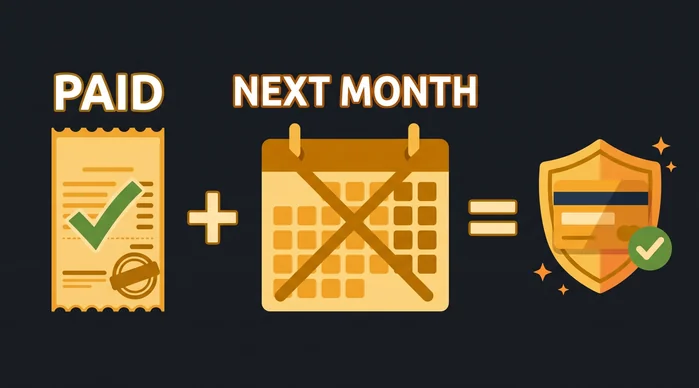
Paid stays paid, the next month stays yours
Which surprises come up, and how do you sort them out?
Most surprises have a simple explanation in the help center, and each one has a quick fix.
- You were charged today: the renewal ran before the switch went off. Turn it off now and the following period stays free of charges.
- You still see the creator's posts: that is the period you paid for, and it lasts until its end date.
- A creator left your active list: look in the inactive part of your Following page, where past subscriptions stay listed.
- A page stopped renewing on its own: the trial ended, the card was declined or the price went up. Subscribe again if you want to keep watching.
- You searched an app store for OnlyFans: there is no official app, so use the home screen tile from section 03.
The same habit pays off on paid porn sites, and the comparison of monthly, yearly and lifetime plans shows how their cancel rules line up.
For anything the list does not cover, write to [email protected] with your username, the creator and the charge date, so the team can find it fast.
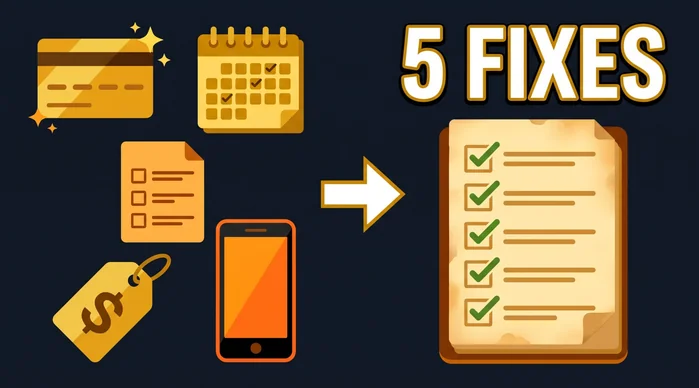
Five surprises, five quick fixes
How do you clear every subscription in one sitting?
Open your Following page once and work down the list. This table lays out the routine for a computer and for a phone side by side.
| Step | On the website | On your phone | Note |
|---|---|---|---|
| 1. Get in | Log in at onlyfans.com | Tap the home screen tile and log in | There is no app to install |
| 2. See everything | Open the Following page | Open the Following page | Active and inactive subscriptions are listed together |
| 3. Sort the list | Mark who stays and who goes | Mark who stays and who goes | Keep the pages you still open every week |
| 4. Switch off | Unsubscribe creator by creator | Unsubscribe creator by creator | One switch per creator |
| 5. Enjoy what is paid | Keep watching until each end date | Keep watching until each end date | Access lasts through the paid period |
| 6. Confirm | Check your statement after the old renewal date | Check your banking app after the old renewal date | Raise any charge that breaks the Terms with [email protected] |
What should you keep?
Keep the creators whose posts you still look forward to, and let the rest run out. A shorter list means every renewal you do pay is one you chose.
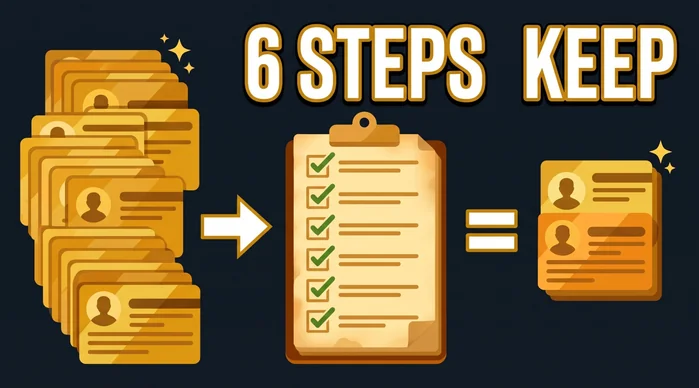
Six steps to a list you chose
Frequently Asked Questions
Do I keep access after I unsubscribe?
Yes. The page stays open to you through the last day of the period you were billed for.
Where do I find subscriptions I already stopped?
On your Following page, which lists both active and inactive subscriptions.
Will a free trial charge me when it ends?
No. A free trial subscription is one of the cases the help center lists as not renewing automatically.
Can I get my money back for a renewal I forgot to stop?
Only when the OnlyFans Terms of Service were broken. In that case, write to [email protected] with the charge date and the creator's name.
Can I cancel from an app on my phone?
OnlyFans does not have an app. Use the website in your phone's browser, or add a home screen tile as shown in section 03.
Key Takeaways
Canceling on OnlyFans means switching off auto-renew creator by creator, then enjoying the time you already paid for.
- One page has them all: your Following page lists active and inactive subscriptions.
- One switch per creator: turn each one off before its renewal date.
- Phones use the website: there is no app, and a home screen tile gets you there in one tap.
- Paid is paid: purchases are final unless the Terms were broken, so the next renewal is the one to manage.
With your list trimmed, a ten-minute way to plan the night helps you spend it on what you actually want to watch.
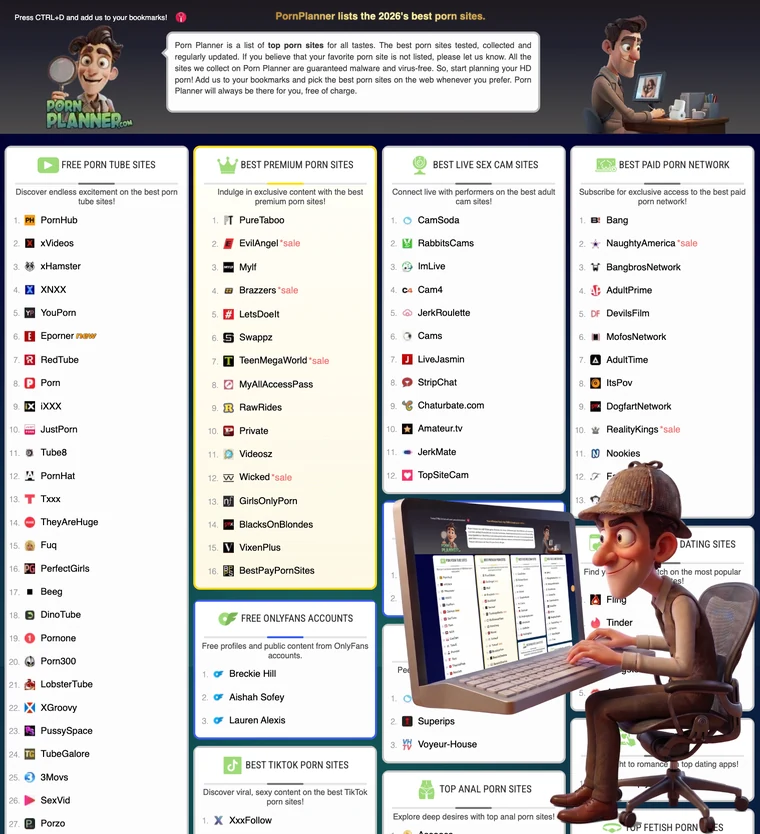
Ready for something new tonight? The PornPlanner directory sorts the top porn sites by category, free picks and premium ones side by side.