Image created using advanced AI technology, professionally refined by the PornPlanner editorial team.
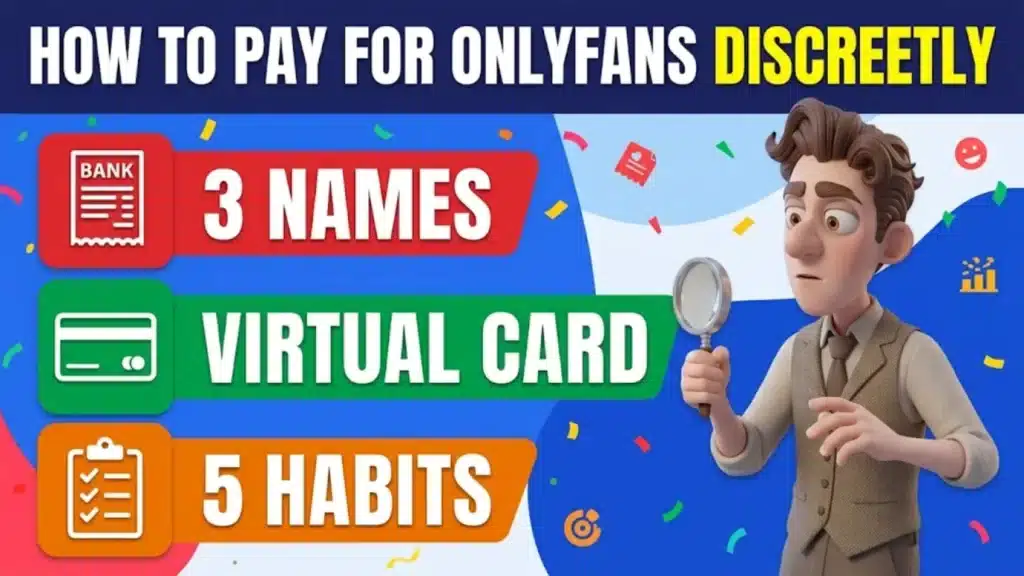
An OnlyFans charge can appear under 3 names on your card statement. Here is what cards, prepaid cards, virtual cards and the Wallet show, where PayPal and crypto fit, and how to keep the charge off shared accounts.
3
Statement Names
6
Methods
5
Habits
1
Short Plan
Section 01
What will an OnlyFans charge look like on your statement?
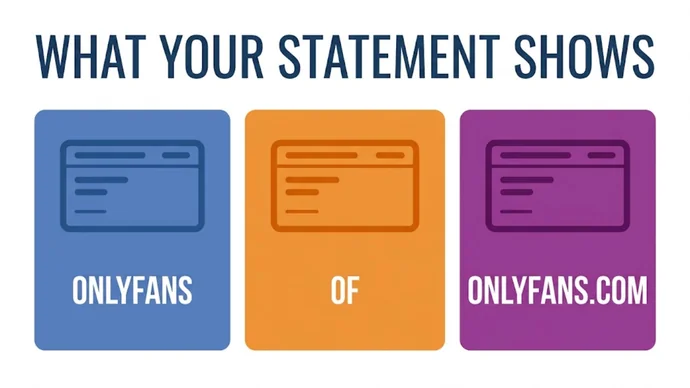
Your card statement will show a payment to "OnlyFans", "OF" or "OnlyFans.com". That is what the OnlyFans help center says, so a plain card leaves the charge readable to anyone who sees the statement.
Quick Definition
Paying discreetly means keeping the charge out of the places other people look, such as a shared card statement. It is not the same as paying anonymously: OnlyFans still needs a verified email and a valid payment card on your account.
The rest of this guide goes in order: what each payment method shows, how virtual cards change the statement text, and how to keep the charge off shared accounts. The charges themselves are subscriptions, tips and paid messages. Each creator sets their own prices, many pages are free to follow and others are paid, and you see every price on the page before you pay; the guide to free and paid OnlyFans pages explains how each kind works.
The 3 names an OnlyFans charge can use on a card statement
Section 02
Which cards does OnlyFans accept, and do prepaid cards work?
OnlyFans accepts the majority of payment cards, and you need a valid one on your account before you can pay. Its help center lists 4 requirements: accepted Terms of Service, a verified email, a valid payment card and any extra onboarding steps for where you live.
All prices appear and are charged in USD, so if your card uses another currency, the help center warns that your payment provider may add a conversion fee.
Do prepaid cards work?
It depends on the card. OnlyFans's payment help pages ask for a valid payment card without naming prepaid cards, so the card itself is what you check.
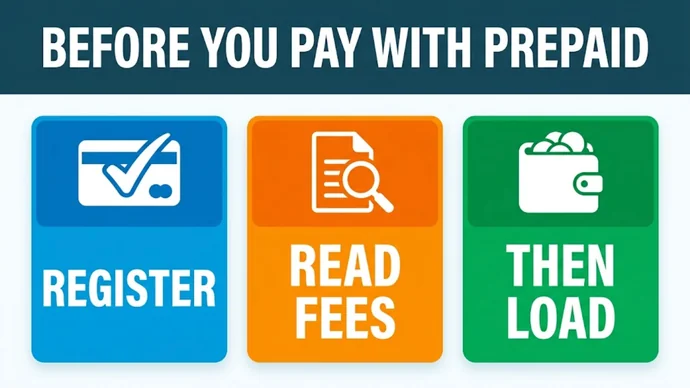
Start with registration: the CFPB, the US government's consumer finance agency, says you might not be able to use a prepaid card online until you register it. Then read the card's fee table, so you know what it charges before you load money onto it.
Three things to do with a prepaid card before you pay
Section 03
Which payment methods work, side by side?
Six methods come up when people look for a discreet way to pay, and the table below sorts them by what the official pages say.
Method
Does it work?
What to know
Payment card
Yes: OnlyFans accepts the majority of payment cards
The statement shows "OnlyFans", "OF" or "OnlyFans.com"
Prepaid card
Not named on OnlyFans's payment help pages, which ask for a valid payment card
Register it first and read its fee table
Virtual card
Privacy.com says OnlyFans processes it as a standard card payment
Privacy lists the default statement text as "PWP*ONLYFANS.COM"
OnlyFans Wallet
Yes: you add funds in the Your Cards section of your profile
Purchases come out of the balance, so each tip or message is not a new card charge; the top-up itself is paid with your card
PayPal
Not among the methods on OnlyFans's payment help pages, and PayPal's policy keeps sexually oriented digital content out of its service
A card or the Wallet does the job
Crypto
Not among the methods on OnlyFans's payment help pages
Those pages cover cards and the Wallet
Where do PayPal and crypto fit?
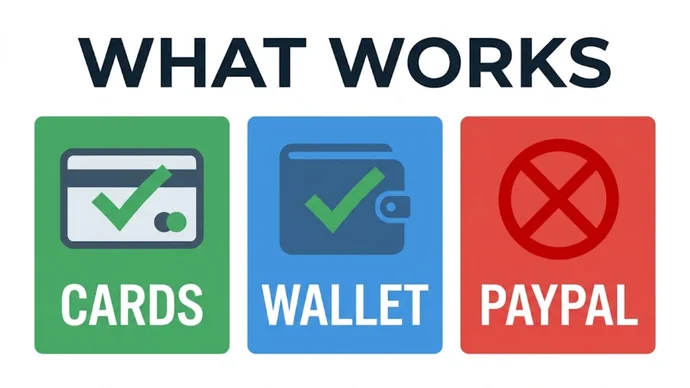
PayPal's policy says its account holders may not buy or sell "sexually oriented digital goods or content," and its examples of digital goods include website subscriptions. OnlyFans's payment help pages cover cards and the Wallet, so those are the two methods to plan around.
Cards and the Wallet, the two ways to pay on OnlyFans
Section 04
How do virtual cards work for OnlyFans?
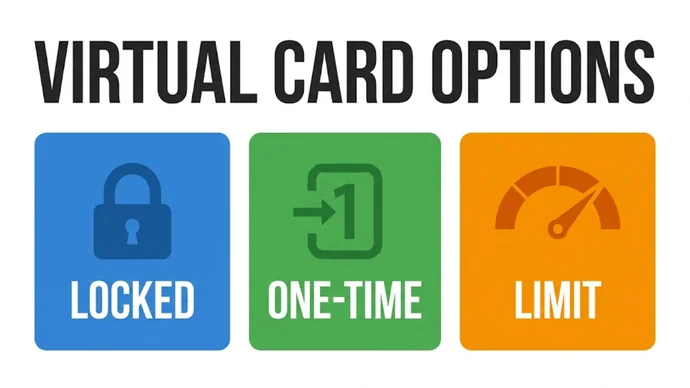
A virtual card is a card number with its own CVV code and expiration date that you use online, with no plastic card. Privacy.com is a US service that issues them, and each card can lock to one merchant, be paused or closed at any time, or be set for one-time use.
Privacy funds the card from a linked bank account or a debit card. Without extra settings, its OnlyFans page lists the statement text as "PWP*ONLYFANS.COM". With Private Spend Mode on, the statement reads "PWP*Privacy.com" instead, so turn that setting on before you pay.
Privacy is available to US citizens or legal residents who are 18 or older and have a US checking account. If that is not you, ask your bank whether it offers virtual card numbers. The table below compares the options a virtual card gives you.
Option
Pick it when
Watch out for
Merchant-locked card
You pay a monthly subscription
It locks to the first merchant that charges it, so use it only for OnlyFans
One-time card
You send a single tip or make one purchase
It is built for one payment, so do not use it for a subscription
Spending limit
You want a monthly ceiling
Charges over the limit are declined, including a renewal
Paused or closed card
You are done with a page
Pausing stops all charges for now and closing is permanent, so also turn off auto-renew in OnlyFans
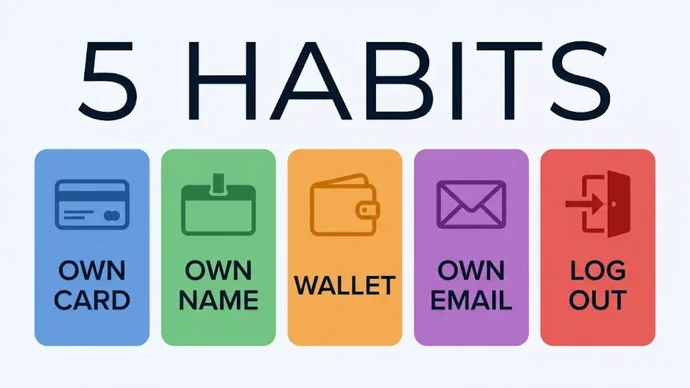
You keep it off shared accounts with 5 habits: a card only you see, a statement name that fits, a Wallet balance, an email only you read and a logout after every visit.
The 5 Habits
Use a card only you see: the statement and the alerts for that card should reach you and nobody else.
Pick the statement name: a virtual card with Private Spend Mode on shows "PWP*Privacy.com" instead of OnlyFans.
Try the Wallet: the help center says the Wallet balance is used by default when it covers the purchase, so a tip or an unlocked message does not create a new card transaction.
Use an email only you read: OnlyFans needs a verified email, and messages about your account go there.
Log out on shared devices: close the tab and sign out after every visit.
Yes, if you pay with a plain card: the statement shows "OnlyFans", "OF" or "OnlyFans.com". A virtual card with Private Spend Mode on shows "PWP*Privacy.com" instead.
Can you pay for OnlyFans without a credit card?
Yes. OnlyFans asks for a valid payment card, not specifically a credit card, so a debit card is a normal choice. The Wallet then lets you buy from a balance you added.
Can you pay for OnlyFans with PayPal?
OnlyFans's payment help pages list cards and the Wallet, not PayPal, and PayPal's policy keeps sexually oriented digital goods, including website subscriptions, out of its service. A card or the Wallet is the way to pay.
Does closing a virtual card stop a subscription?
It stops new charges on that card, because a closed card cannot pay. Turn off auto-renew in OnlyFans too, and the guide to trial rebills and cancel deadlines shows what to look for with any renewal.
Is paying with a virtual card anonymous?
No. OnlyFans still has your account email, and Privacy needs a verified identity and a US bank account or debit card behind the card. A virtual card changes the name on your statement, not who you are.
Section 08
Key Takeaways
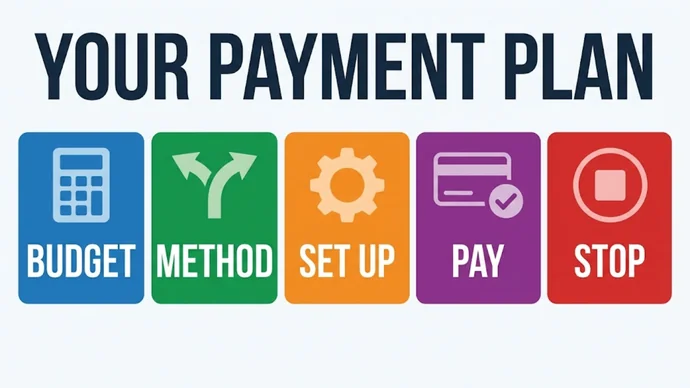
Discreet is not anonymous: 3 statement names, 6 methods, 5 habits and 1 short plan keep the charge where you want it.
Remember
Know the name: a plain card shows "OnlyFans", "OF" or "OnlyFans.com".
Plan around a card: cards and the Wallet are the methods OnlyFans's payment pages list.
Set up before you pay: register a prepaid card, or turn on Private Spend Mode on a virtual card.
Keep shared accounts clear: a card only you see, an email only you read and a logout after every visit.
With the payment side settled, the fun part is choosing who to watch. For creators and studios beyond OnlyFans, explore the most popular porn sites in the PornPlanner directory, from free tubes to premium picks.
US-based web developer and creator of PornPlanner.com. Every part of the site is built and maintained with usability, speed and reliability in mind — code first, hype never.
Curated by experts and updated regularly — our directory covers free porn tubes, premium porn sites, live cams, AI porn and dozens of other categories.