Image created using advanced AI technology, professionally refined by Private Eye Blog editorial team.
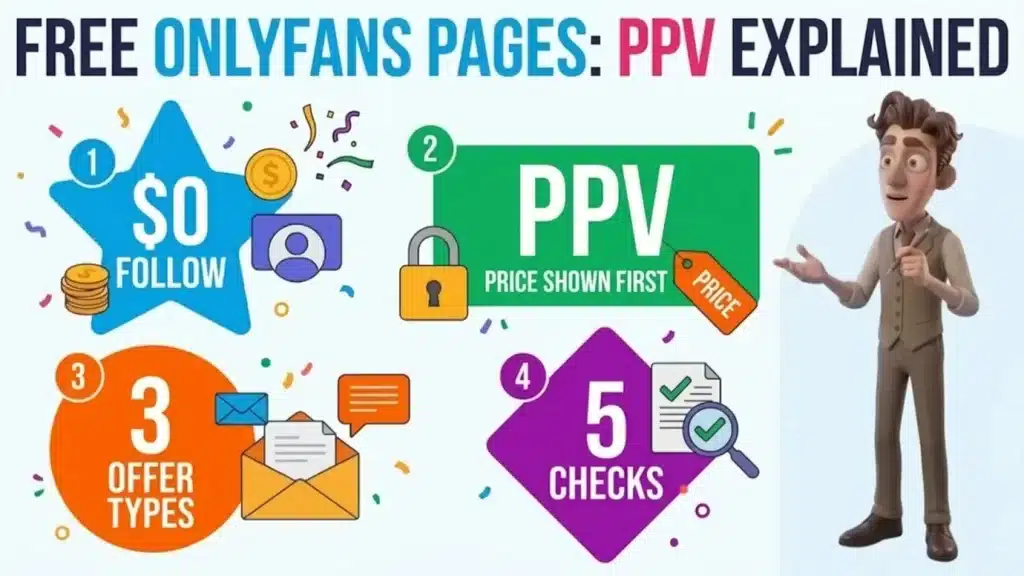
A free OnlyFans page costs $0 to follow, but the price tags sit on the posts and messages inside it. Here is what OnlyFans' own help center says, how PPV works and 5 checks to run before you tap.
$0
Page Price
1
Spending Cap
3
Offer Types
5
Quick Checks
Section 01
How does a free OnlyFans page make money?
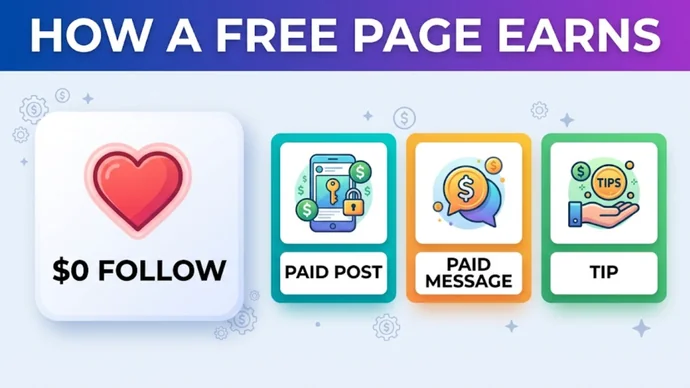
A free page makes money from the extras, not from the follow: the creator sets the page price to $0.00 and charges for individual pieces of content instead. OnlyFans' help center describes it as a free account that earns through Pay Per View or direct messages.
Quick Definition
A free OnlyFans page is an account with a $0.00 subscription price. Following costs nothing, and the creator earns from paid posts, paid messages and tips.
Those payments all go through OnlyFans, and subscriptions, paid messages and tips are how creators earn on the platform.
That is why a free page can still be a business. On sites where the membership itself is what you pay for, eight paid memberships priced plan by plan show what the other model costs over a year.
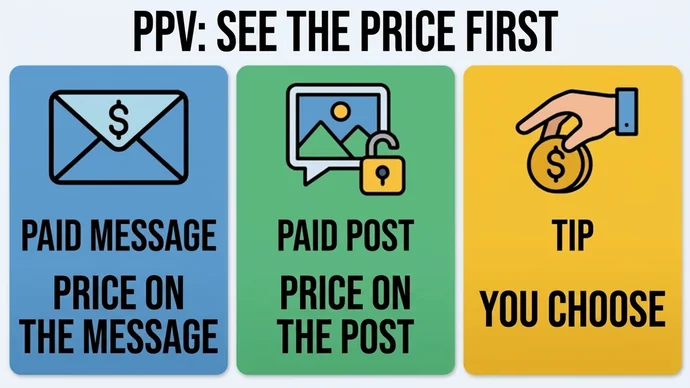
A free page earns from three paid extras
Section 02
What do you actually get for $0?
You get whatever the creator chooses to post for free, and anything that carries a price is not part of the $0. The help center does not list what a free page has to post, so two free pages can look very different. Open the page and read it before you decide.
Do you need a card for a free page?
Yes, because to subscribe to any creator you must have accepted OnlyFans' Terms of Service, verified your email and added a valid payment card, plus any extra steps for where you live. If the account is free to subscribe, the help center says no charge is made.
OnlyFans also asks for information to confirm your age and identity before you can open an account, and what it asks for may vary by where you live.
What does the $0 cover?
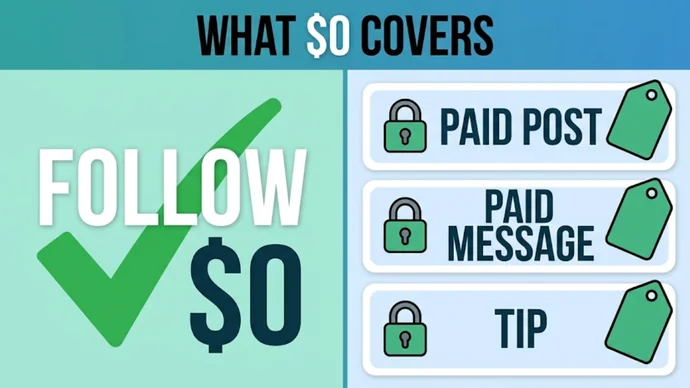
The follow itself. A post or a message with a price on it is a separate purchase, and so is a tip. Section 03 shows when each one is charged.
The follow is free, the priced extras are not
Section 03
How does PPV work and what can it cost?
PPV means pay per view: a creator puts a price on one message or one post, and you are charged only when you agree to view or unlock it. For a paid message, the help center says fans are charged automatically when they agree to view, and pay for, the content in it.
Each creator sets their own prices, and you see every price on their page before you pay. This table shows when each kind of charge reaches your card.
Charge
Price
When you pay
Free page
$0.00 per month
Never, for the follow
Paid page
Set by the creator, shown on the profile
When you subscribe, then at each renewal
Paid message
Set by the creator, shown on the message
When you agree to view it
Paid post
Set by the creator, shown on the post
When you unlock it
Tip
You choose the amount when you tip
When you press Send Tip and pick how to pay
All prices appear, and are charged, in US dollars, and your bank may add a currency conversion fee. Depending on where you live, a sales or indirect tax may be added, and the help center says the exact amount is shown before any transaction is processed.
OnlyFans does not allow content to be downloaded or copied, and it says pay per view content is available until you have finished viewing it. Pay-as-you-go spending exists on other platforms too, and how Stripchat tokens are billed, with a first-week budget shows the same habit of planning a number first.
Paid messages, paid posts and tips each carry their own price
Section 04
Is it a free page, a free trial or a discount?
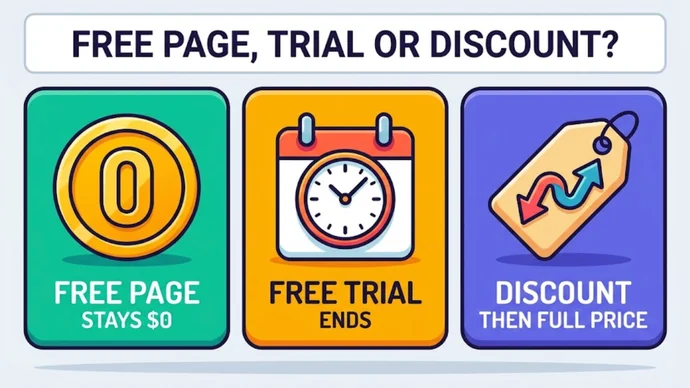
A free page has a $0.00 price, a free trial is a time-limited offer on a paid page, and a discount is a lower price that returns to full price later. They sound alike, but they behave differently after you tap.
This table compares the 3 offer types, based on the help center's pages for fans and creators.
Offer
What it is
What happens next
Free page
The creator sets the page price to $0.00
Following costs nothing; paid posts, paid messages and tips are charged separately
Free trial
New fans get free access to a paid page for a limited time, with an expiry date and a number of trials set by the creator
It does not auto-renew, but you can choose to renew at the subscription price
Discounted subscription
A lower price for a set period
It renews automatically at the full price unless you turn off auto-renewal
Read the price and any end date before you confirm. The help center says that when a creator starts a free trial campaign, an announcement appears on the profile, so a trial should be visible there.
Three offers that look alike and act differently
Section 05
What should you check before you subscribe or unlock?
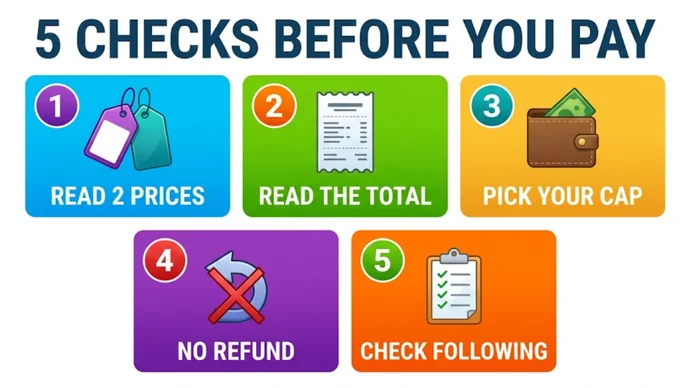
Before you tap anything with a price on it, run 5 quick checks. They take under a minute and use only what OnlyFans shows you and says in its help center.
Before you pay
Read two prices: the page price and the price on the message or post are separate numbers.
Read the total: tax can be added depending on where you live, and the exact amount is shown before you confirm.
Pick your cap first: every paid message carries its own price, so decide the night's number before you open the inbox.
Expect no refund: subscriptions, tips, streams, paid posts and paid messages are non-refundable unless there has been a violation of the Terms of Service.
Know where to look afterward: charges show on your statement as "OnlyFans", "OF" or "OnlyFans.com", and your Following page lists every subscription.
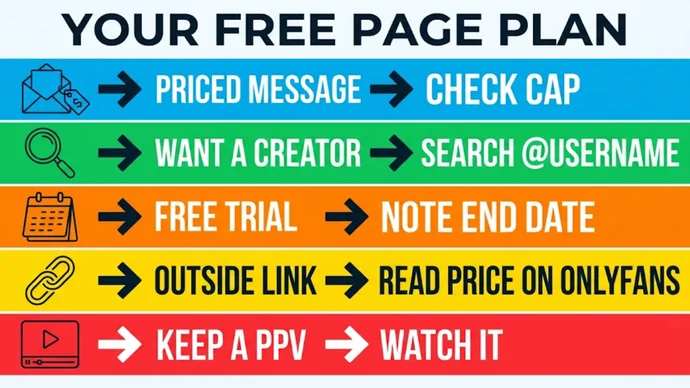
On a free page, most moments fit one of 5 situations, and this table gives each one its move.
Situation
Do this
Why it helps
A message arrives with a price
Compare it with your cap, then unlock or skip
It is a separate charge, and paid messages are non-refundable unless the Terms of Service were violated
You want one specific creator
Search their exact @username
The help center says you need the user name to find a profile
A page shows a free trial
Note the end date
A free trial does not auto-renew
A link outside OnlyFans says "free"
Open the profile on OnlyFans and read the price there
The price and the checkout you see on OnlyFans are the ones that count
You want to keep a PPV
Watch it while it is available
OnlyFans does not allow downloading or copying content
How do you find free pages?
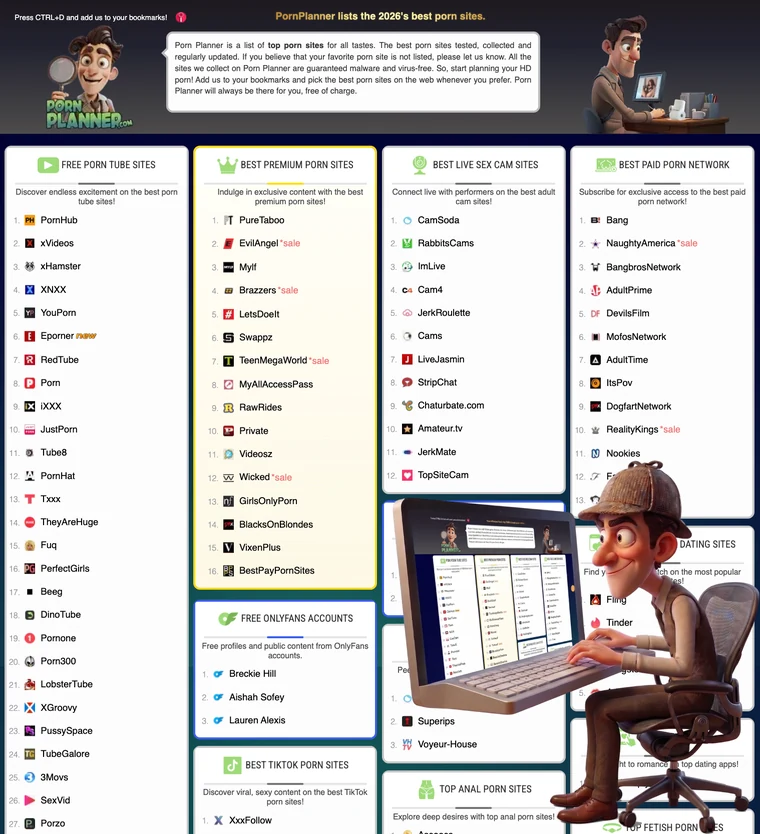
Inside OnlyFans, the help center says a search icon appears on your Home page once you have subscribed to an account, paid or free, and have an interaction with a creator. After that you search by @username. The PornPlanner home page also has a Free OnlyFans Accounts category, a handy place to start when you do not have a name yet.
Which mistakes cost the most?
Five mistakes lead to surprise charges, and this table pairs each one with its fix.
Mistake
Do this instead
Treating a free page as a free trial
Read the offer: a free page has a $0.00 price, a trial has an end date
Unlocking on impulse
Check the price against your cap first
Expecting a refund on a paid message
Decide before you tap, because refunds are only for violations of the Terms of Service
Trusting a link that says "free"
Open the profile yourself and read the price
Never opening the Following page
Look at it once, so every active subscription is one you chose
Following it is free: the help center says that if the account is free to subscribe, no charge is made. Paid messages, paid posts and tips are separate charges.
Do you need a payment card for a free OnlyFans page?
Yes, a valid payment card must be added before you can subscribe to a creator, along with a verified email and the accepted Terms of Service. The card is not charged for a free page.
Can you get a refund on a PPV?
Only if there has been a violation of the Terms of Service. The help center says subscriptions, tips, streams, paid posts and paid messages are non-refundable otherwise, and points to [email protected] if you believe there was a violation.
Can you save a PPV?
No, OnlyFans does not allow content to be downloaded or copied, and it says pay per view content is available until you have finished viewing it.
What will OnlyFans say on your card statement?
The help center says the statement shows a payment to "OnlyFans", "OF" or "OnlyFans.com". A private window does not change that: it only hides the visit on your device, as the guide to who still sees a private-window visit explains.
Section 08
Key Takeaways
A free page costs $0 to follow, and the price lives on the posts, messages and tips inside it.
Remember
Free means the follow: paid posts, paid messages and tips are separate charges.
Every PPV has its own price: the creator sets it, and you see it before you unlock a message or a post.
There are 3 offer types: a free page, a free trial and a discount, and only the page stays at $0.
Run the 5 checks before every tap, because paid items are non-refundable.
Looking for more names to follow? The PornPlanner directory gathers the most popular porn sites by category, so you can compare free and paid places to watch side by side.
US-based web developer and creator of PornPlanner.com. Every part of the site is built and maintained with usability, speed and reliability in mind — code first, hype never.
Curated by experts and updated regularly — our directory covers free porn tubes, premium porn sites, live cams, AI porn and dozens of other categories.