Image created using advanced AI technology, professionally refined by Private Eye Blog editorial team.
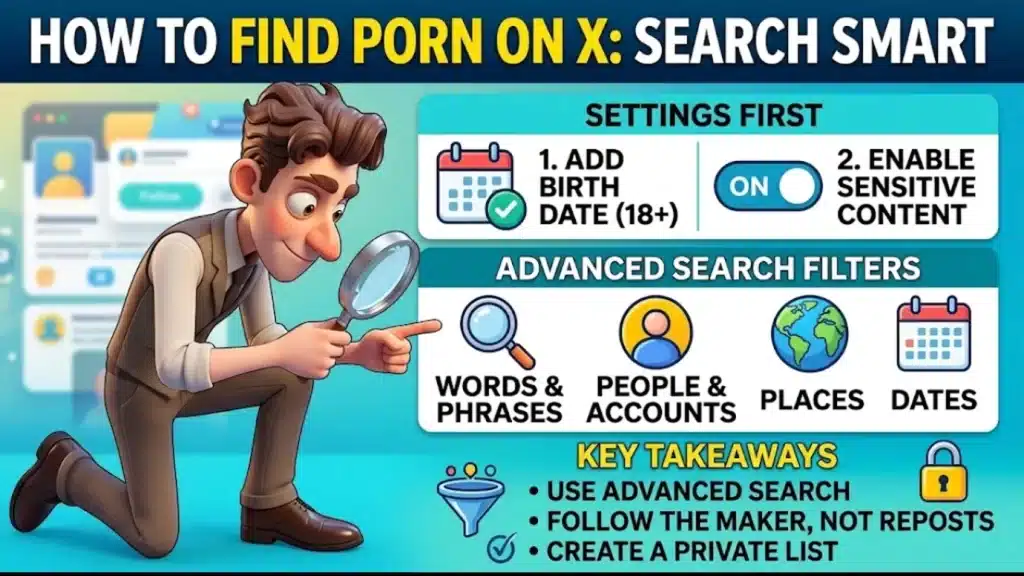
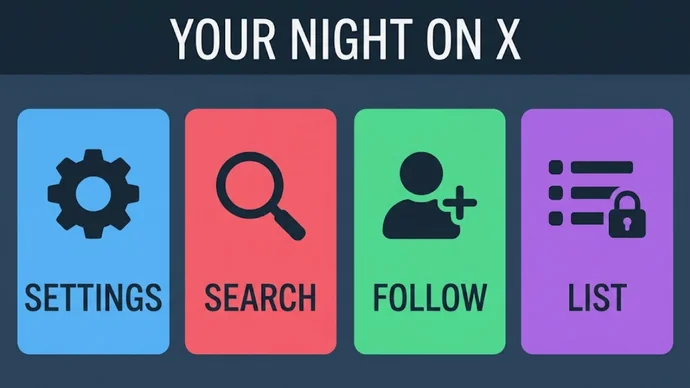
X, formerly Twitter, allows adult posts when they are labeled, so what you see depends on 2 settings. Turn them on, search smart and follow the right accounts.
2
Quick Settings
4
Filter Groups
3
Account Checks
1
Private List
Section 01
What does the sensitive media setting on X control?
The sensitive media setting decides whether X shows you photos and videos that carry a content warning or keeps them hidden behind it. X's Adult Content Policy lets people post consensually produced adult nudity and sexual behavior as long as the post is labeled and kept out of highly visible spots.
Quick Definition
On X, "sensitive media" is the label for adult or graphic photos and videos. You see them only if your account has a birth date that makes you 18 or older and the sensitive media setting is on.
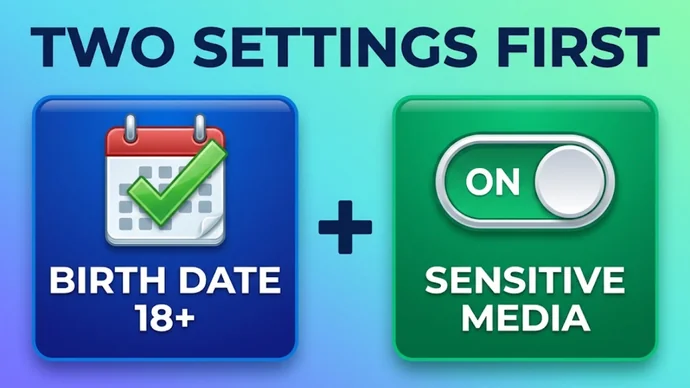
X says it restricts viewers who are under 18, or who do not include a birth date on their profile, from viewing adult content. That is why this guide starts with 2 settings and not with a search: your birth date and the sensitive media switch.
Highly visible spots stay clean on purpose. The policy bars adult content from profile pictures, headers, List banners and live video, so profile pictures and headers will not show you adult content. The posts will, once the settings are on. Many of those posts link out to porn sites, and the guide to where US law asks porn sites for an age check explains what those sites may ask you for.
The 2 settings that decide what X shows you
Section 02
How do you turn on sensitive content on X?
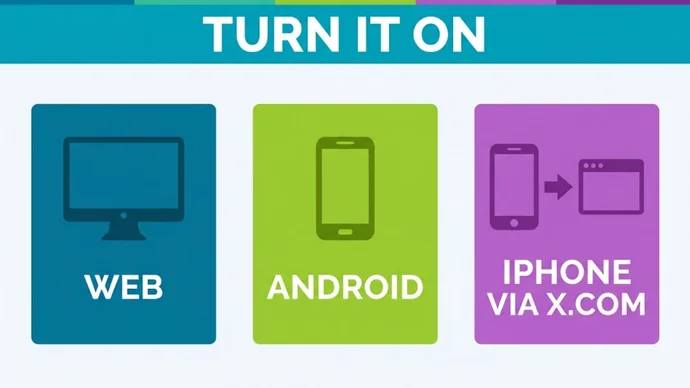
You turn it on in your account's Privacy and safety settings by ticking Display media that may contain sensitive content, after you add your birth date to your profile. The table below shows where X's help page sends you on each device.
Device
Where to go
What to do
Web (x.com)
More, then Privacy and safety, then Content you see
Check the box next to Display media that may contain sensitive content
Android app
Profile or menu icon, then Settings and privacy, then Privacy and safety
Under Safety, check the same box
iPhone and iPad
Log in to x.com in a browser
Follow the web row, because X's help page sends iOS users to x.com
How do you add your birth date?
Open your profile, tap or click Edit profile and fill in Birth date. You choose who sees it, and you can change that visibility setting only a few times. Use your real birth date, because the age rule works from it.
What if the label has moved?
Menus change over time, so these paths are the ones X's help page lists at the time of writing (October 2026). If a menu looks different, look in Privacy and safety for the words "sensitive content".
Where the sensitive media switch lives on each device
Section 03
How do you search for porn on X?
You search with X's advanced search, which is available when you are logged in and lets you combine filters instead of typing one word and scrolling. Type your search in the bar on x.com, click Advanced search under Search filters, fill in the fields and click Search.
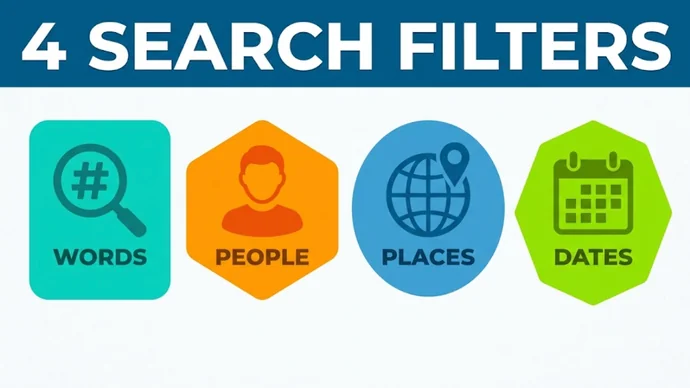
The fields come in 4 groups, and this table says what each group is good for on a quiet night.
Filter group
Fields on the form
Use it to
Words
All of these words, exact phrase, any of these words, none of these words, hashtag, language
Narrow the results to a title, a performer's name or a hashtag, and cut out words you do not want
People
From these accounts, replying to, mentioning
Read only what one studio or creator posted
Places
A city, state or country from the place menu
Limit results to posts sent from one place; most nights you can skip it
Dates
Before, after or between two dates
Find the latest posts from one account, or an older scene you remember
What is a good first search?
Put one account in the People group, add an exact phrase such as "new scene" in the Words group and set a date range. You get that studio's posts for the period, which is a quick way to see what it announced, and how porn studios schedule new releases shows how to turn that into a weekly check.
One thing to know: muted words apply to your Home timeline and notifications, so X still shows those posts in search results.
The 4 filter groups in X's advanced search
Section 04
Which accounts should you follow?
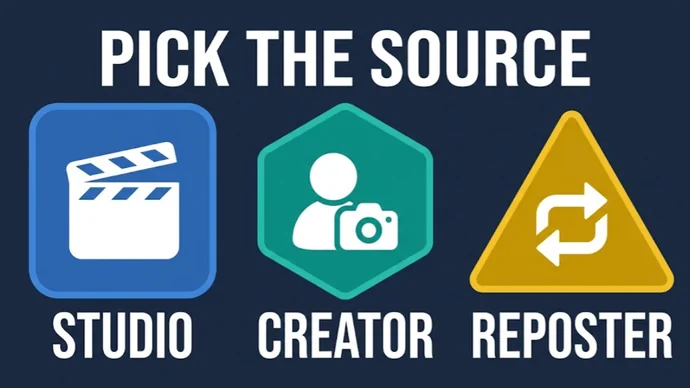
Follow the studio or creator that made the video, because that account is the source of the clip and decides where the clip links. The table below compares the 3 kinds of account you will find.
Account
Follow it when
Keep in mind
Studio
You like the studio's scenes and want its release posts in your feed
Links out of X, so read the page before you pay
Creator
You want one person's posts, clips and page links in one place
Paid extras, so read the price before you tap
Account that only reposts
Rarely, since the original account already posts the same clip
Clips the maker did not agree to share, since X's rules ban non-consensual nudity
Handles change over time, so one copied from an old list or a reposted post may no longer belong to the studio. The studio's own site is the best place to confirm it, and the 3 checks below take a few seconds.
What are the 3 account checks?
Run these before you tap Follow. First, the profile loads as an active account. Second, the bio names or links the studio's own site. Third, the handle matches the one printed on the studio's own site.
How do Lists and muted words keep your feed on topic?
A List gives you a timeline of only the accounts you put in it, and muted words remove the posts you do not want from your Home timeline and notifications. Together they turn X from a noisy feed into a shortlist.
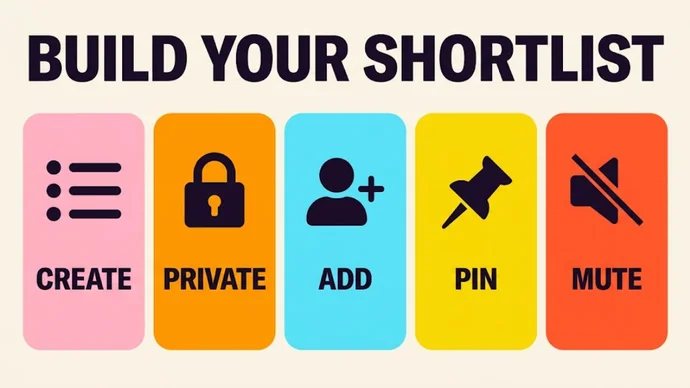
Build It in 5 Steps
Create a List: go to your profile icon, then Lists, then the new List icon. The name cannot pass 25 characters or begin with a number.
Switch Private on: a List is public by default, so anyone can follow it until you drag the Private slider.
Add your accounts: open the List, tap Members and use the more icon on each profile to add the studios and creators that passed the 3 checks.
Pin the List: a pinned List shows up next to your For you and Following timelines.
Mute words: open Notifications, tap the gear, then Muted and Muted words, and add what you are tired of seeing.
Muting a word also mutes its hashtag, and the mute is not case-sensitive. You choose to apply it to your Home timeline, your notifications or both, and for how long: forever, 24 hours, 7 days or 30 days.
Mobile notifications work a little differently: if you turned them on for an account you follow, X still sends those alerts even when a post contains a muted word.
The 5 steps that turn X into a shortlist
Section 06
How do you set it all up in 10 minutes?
The first setup takes about 10 minutes, and this table lays out the plan in order.
Minutes
Do this
Why it helps
0 to 2
Add your birth date and turn on the sensitive media setting
Without both, labeled posts stay hidden
2 to 5
Run one advanced search: one account, one phrase, one date range
You see what a source posted without scrolling
5 to 8
Follow the accounts that pass the 3 checks
You follow the maker, not a copy
8 to 10
Put them in a private List and pin it
Tomorrow you open one timeline, not the whole feed
Which mistakes cost the most?
Most bad nights on X come down to 4 habits, each with an easy swap.
Mistake
Do this instead
Leaving the List public
Drag the Private slider before you add anyone
Following a handle from an old post
Open the profile and run the 3 checks first
Paying for an unlock inside a reply
Read the price and the terms on the creator's own page
Assuming a private window hides your account
Remember that follows, Lists and notifications belong to your account
Not the labeled adult media: X says viewers without a birth date on their profile can't click through to it, and advanced search works only when you are logged in. With an account, turn on the settings from section 02.
Why can't I see the sensitive media setting on my iPhone?
X's help page tells iOS users to adjust their media settings by logging in to x.com, so use a browser. Check that your profile has a birth date too, because X restricts viewers without one.
US-based web developer and creator of PornPlanner.com. Every part of the site is built and maintained with usability, speed and reliability in mind — code first, hype never.
Curated by experts and updated regularly — our directory covers free porn tubes, premium porn sites, live cams, AI porn and dozens of other categories.